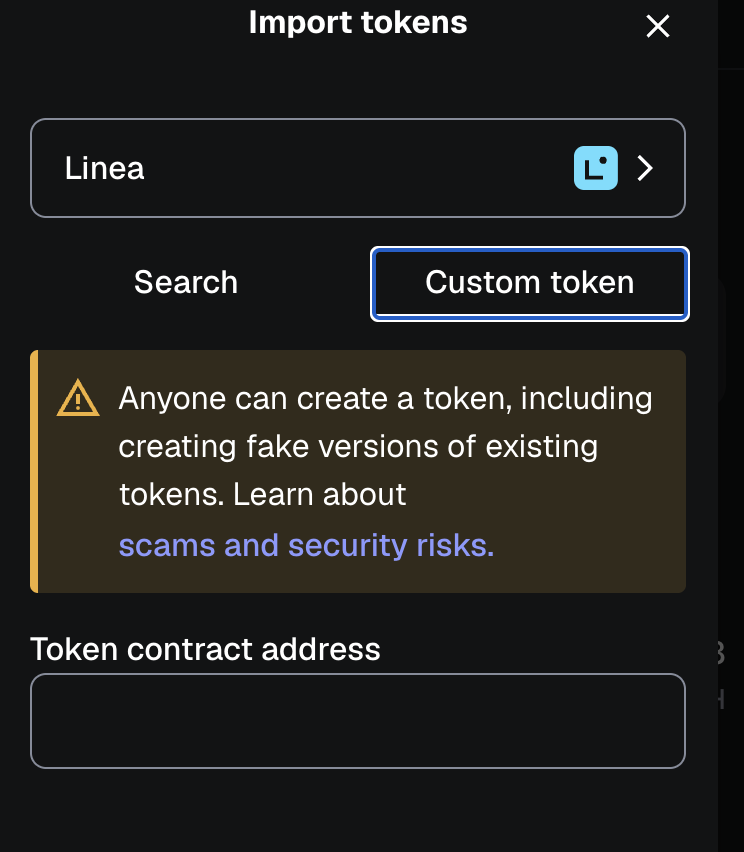
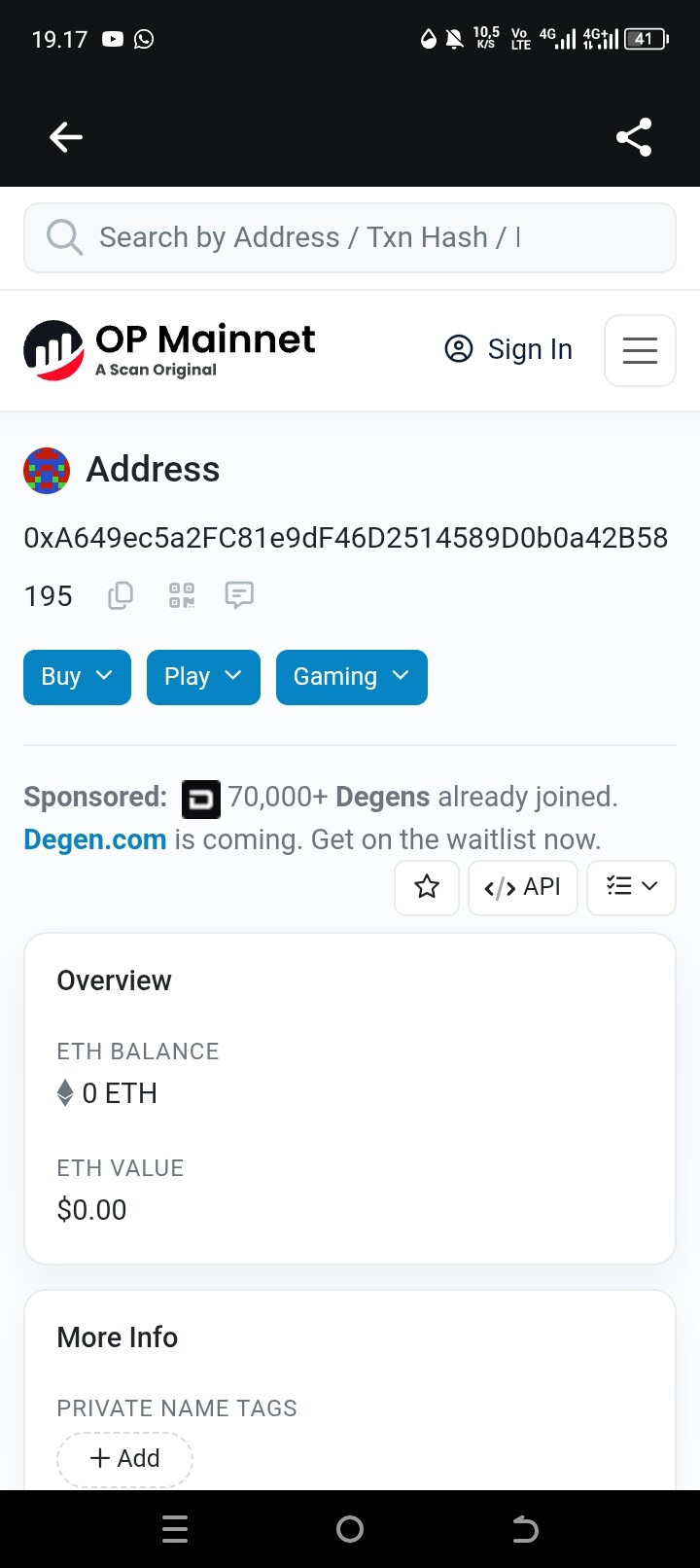
I want to withdraw WorldCoin to MetaMask then I used the Contract address that I got from copying in the receive feature but I haven’t received Worldcoin even though Worldcoin has successfully sent it.. can anyone help me?


Which network did you use for the withdrawal? Please also try checking the Optimism network contract. Tokens don’t get lost on the network—just make sure you’re checking the correct address
0xdc6ff44d5d932cbd77b52e5612ba0529dc6226f1
Optimistic contract
Why I always find the Personal Address not a Contract Address
It would be best if you contact Support team at https://support.metamask.io/ and use `Contact Support`
Once you do, a live chat bot will appear on your screen. It will give you an automated response at first, but insist and you should be able to contact the support team.
Can I send you a DM so I can understand better
Please contact support through the link shared above. We don’t offer support through DMs here.


Hi, you need to import the token on the network you’ve sent the tokens.
Did you send the token to your wallet address on the World Chain network by any chance? Try to go here https://chainid.network/, search for World Chain (make sure you’re adding the right one it should have chain id 480), connect then add the chain.
After that import the token manually on the World Chain network using this contract address for it 0x163f8C2467924be0ae7B5347228CABF260318753
Oh God.. I really didnt Understand about this.. please Explain step by step.. English isnt may Native so thats hard to know what you mean
I already Connect on Chain ID 480
No worries we can do it step by step together. After you connected your wallet on https://chainid.network/ press Add Chain, make sure you add the chain ID 480 one. Let us know when you did it!